



One of the Google’s amazing app messenger, default SMS app Messenger provides a unique option to add numbers to block list of Nougat. Here, are some options to try.
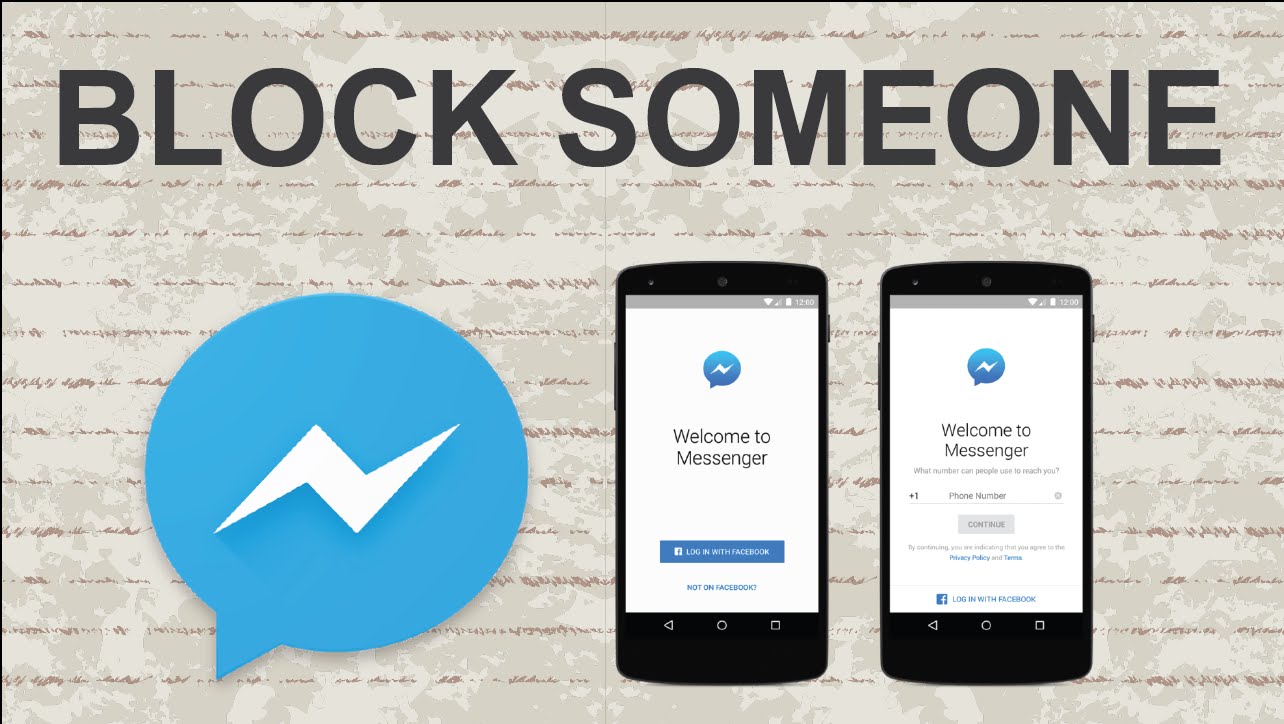
- Firstly open the messenger app
- Click the menu button on the top right corner.
- Then go to list of blocked contacts.
- Click in the menu add a number.
- Type the number you want to block.
Also you can long-press the contact and add it to block list by tapping circular button at the top corner. You’ll be also notified of any spam reporting along with blocking the number.
Related News
 How to email more than five photos at once in iOS 10
 How to apply filters for Google Photo Filters.
 How to make iPhone 7 button more customization.
 How the Block feature of Android Nougat work for Spam Calls.
 How to read web pages offline with Chrome browser for Android.
 How to use and view Instagram Stories.
 How to save webpage as PDF without using Chrome Extension.
 How to get rid of Spam numbers.
