


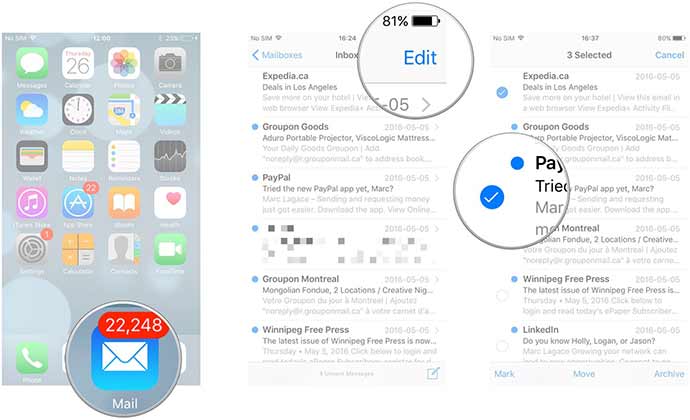
Apple Messages app has got better with new iOS11 but it hasn’t ignored Mail app as few new features are added to it in iOS11 update. First is ‘drag and drop’ which has made multitasking on iPad more useful. You no longer have to go to mail read messages and then go to MacBook to compose a message or a reply. User can move images and texts inside Mail app.
When you highlight a sentence out of paragraph and then long press, it would eventually pop out which later can be dragged to another spot.
Insert drawings is another improvement in Apple Mail app. If a user long press over an email he would notice a new option after tapping which would be on the right side of the given banner ‘insert drawing’. Scribble through your ideas and try to insert inside an email. Get an idea here.
Related News
 iOS 11 New Control Center, Get Ready for Surprise
 Fingerprint Scanner to be Eliminated in all Apple Mobile Devices from 2018
 iPad Pro releasing next week will come with integrated Face ID
 iPhone 6s will now feature an advanced Force Touch display
 Apple has still not Initiated Final Production of iPhone X
 This is iPad Pro’s first promo video
 Side by Side Dummies’ Review of iPhone 8 and Galaxy Note 8
 Samsung Reveals Galaxy A7 and A5 (2018) – Better Display and Fingerprint Reader Introduced!
