


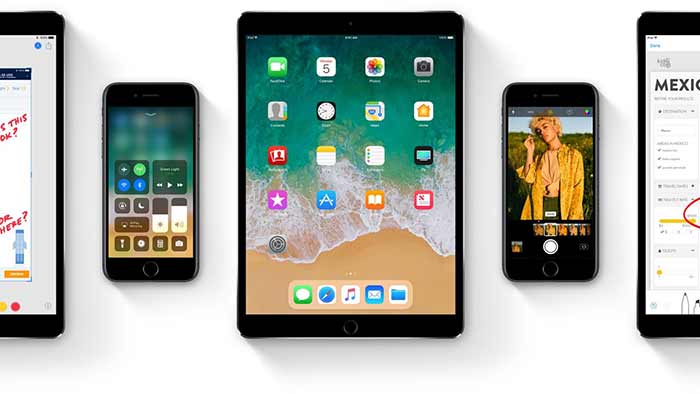
iOS 11 is just around the corner, as it is going to release for public on September 19. A lot of new features and interface tweaks are going to be introduced in new Apple OS. So, while you buy a new iPhone with iOS 11 or upgrade your older iPhone with the OS, here are the settings you need to change immediately for easy use.
First off, iOS 11 has new feature of ‘Do Not Disturb While Driving’, and as the name suggests, this will be helpful to you to just concentrate on driving. So go to settings, and activate ‘Do Not Disturb’, which will later be done automatically if you set so.
Secondly, quickly customize your new Control Center, which will hence give you the shortcuts for almost all the apps in a single screen panel. Thirdly, after iOS 11 installation, instantly check your storage, as it might be reduced than earlier.
Fourthly, if you follow a particular file format for photos, then you need to go to Settings > Camera > Formats, and change it according to your need. Furthermore, there are some new settings for the location services, and hence you need to check what suit you the best.
And lastly, setting up Apple Pay will also be important, for which you need to go to Settings > Wallet & Apple Pay, which will be easier for you once and for all to make payments quickly.
Related News
 iOS 11: Features, Release Date, Tips and How-to Download
 iOS 11 will allow you to shut down your mobile device without power button!
 Make a Way for Apple’s Latest IOS 11
 “Drag and Drop” New Feature of IOS 11 is tumbled from IPhones
 iPhone 8 to Have Fast Wireless Charging and Smart Camera Scenes
 IOS 11 Developers Preview in terms of Camera App!
 Learn iOS 11 Trick for Rearranging Home Screen
 Exhausted of Remembering Apps Passwords… In IOS 11 You Never Have To!
