



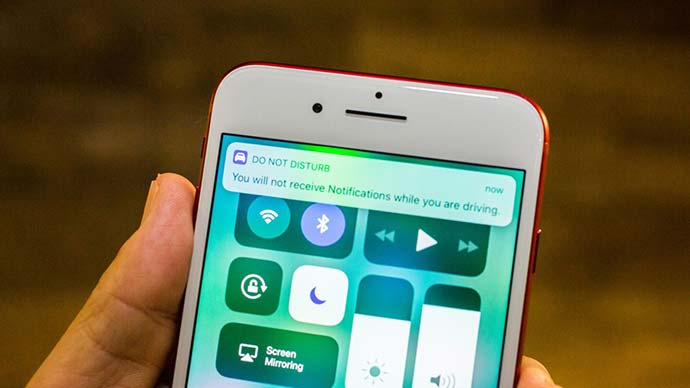
If you are tired of rearranging different apps over your home screen in iOS 11 especially if you are setting up your new iPhone 8 device then learn this simple trick.
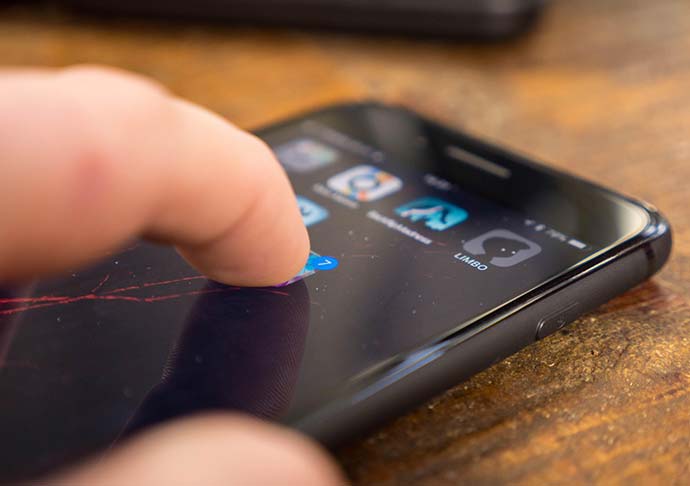
Previously, user had to long press the app icon before dragging it to the right place. Workaround for this hassle is to move different icons all at once.
Step 1 is to long press any icon until and unless all icons start a jiggle.
Step 2, once user has selected the moving icons he or she wished to move to other place, drag the group of icons and release at the location where user wants them to be.
This trick might not work over folders in iPhone 8 or other iPhones. However, the order of the placement of these icons would be reverse. That is, the icon first picked would be placed at the last. As this trick isn’t for folders, it is quite easy to arrange apps quickly. Example, pick all of your games and place them in one single folder.
Related News
 “Drag and Drop” New Feature of IOS 11 is tumbled from IPhones
 IOS 11 Developers Preview in terms of Camera App!
 Make a Way for Apple’s Latest IOS 11
 Exhausted of Remembering Apps Passwords… In IOS 11 You Never Have To!
 iPhone and iPad Devices Would Get iOS11 Update Next Week
 Apple’s App Store Finally in Its New Look with IOS 11
 iOS 11 New Control Center, Get Ready for Surprise
 iOS11 Control Center Got Revised, One-Stop Tool
