



Google has recently launched an app specifically for Pakistani users and elsewhere who write and speak Urdu. The app’s name is Gboard, which is capable to convert Roman Urdu in to Urdu on real-time basis as well as in an originally scripted form.
The app is available for download on Apple App Store as well as Google Play Store. Here is how you can use this app after downloading.
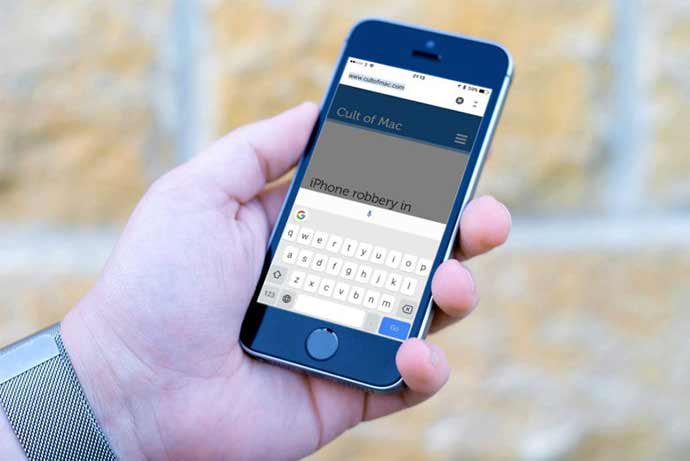
1. After installing the app on iOS or Android device, simply open the keyboard and select the keyboard as an input method when you are asked to select a particular keyboard.
2. Now go to the Gboard settings and select ‘Languages option’ from dropdown menu. In this regard, you will be required to deselect the option ‘Use System Language’.
3. You may now select the Urdu (abc) language available from the group of languages.
4. You will also be able to select the Urdu Pakistan option if you want the layout to be Urdu input and not Roman one.
5. It is almost done and now you have the Gboard Urdu keyboard installed on your smartphone.
6. Lastly, the typing language can be changed by pressing and simultaneously holding the spacebar and it will automatically put the Urdu language on top. This will also be repeated when you are aiming to return back to the language that you were using earlier.
Related News
 What’s This Telenor WowBox All About!
 Subway Surfers becomes the first-ever game on Play Store to reach 1 billion downloads!
 WhatsApp will soon introduce WhatsApp Urdu
 Enjoy International Trips with Affordable Rates by Jazz
 Subscribe To Telenor Pakistan To Make Delicious New Recipes For Sehr And Iftar
 Xerox Easy Translate service.
 Microsoft Dictate App, User Can Write in His Voice
 QMobile Launched a Wide Range of Feature Phone in July
