


It has been a more than a year now that Facebook has allowed us to post the 360-degree photos into its newsfeed. This feature gives our families and friends to look at the interactive and wraparound images.
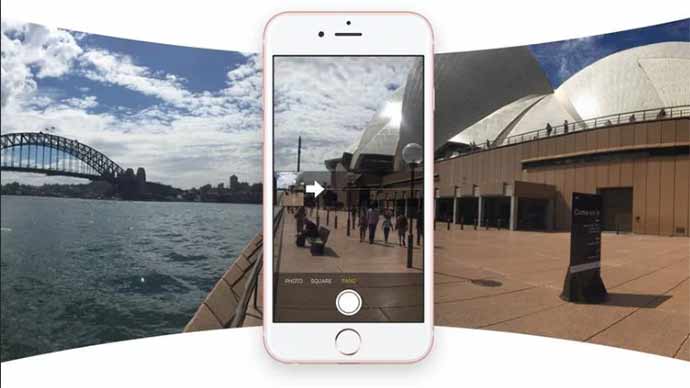
So now, you can even take these 360-degree photos through Facebook app as well. Everyone has probably seen these 360 images on Facebook already. While viewing it, all you need to is rotate the circle in to 360-degree panorama. It could have been sort of magical for some of you as well. But taking a 360-degree photo, and that too now with Facebook, is probably the easiest thing in the world.
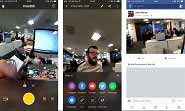
If you have already taken a panoramic snapshot through your mobile, then this will be much easier for you. Just tap on new option called ’360 Photo’ on top of your Facebook newsfeed, tap on the blue button and just follow the same path as it guides you so as to complete the circle by turning around.
That’s it! From starting to end point, you have completed a series of images, which the Facebook will simply add up to develop panoramic view. Once done, it will automatically get published into newsfeed, although you will be asked first whether to post it or just discard. You will even be able to set this panoramic photo as your cover photo on your Facebook profile.
It’s cool, isn’t it?
Related News
 Facebook introduced the Facebook 360 App for Samsung Gear VR
 Facebook Reveals How it will now limit the Third-Party Access from the User Data
 Facebook Hiring 3000 Staff to Tackle Violent Content Issue.
 Send or receive money through PayPal on Facebook Messenger too!
 Research says that excessive usage of social media makes people blue
 No Way to Steal Profile Photos of Facebook with Latest New Feature
 Facebook News Feed to have Minor Redesign for Mobile Version
 How to use the iPhone X: Quick Guide, Tips and Tricks
