


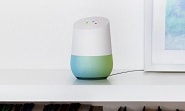
Google always think for its users deeply. Now Google introduces one more exciting feature with Google Home, you do not need to give complicated and long commands. Google is proving Voice Shortcuts new feature that simply take voice as input. Now you can easily make your Google Home Shortcuts… Don’t you worry here is the simple and easy ‘How To’ for making your shortcuts.
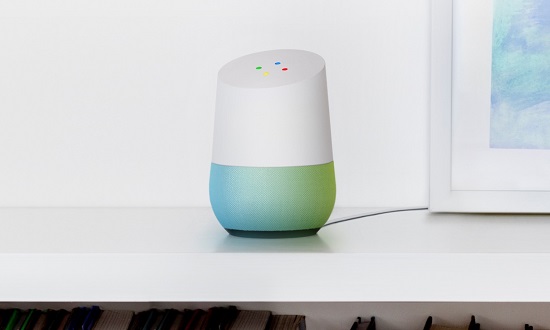
Google Home Shortcuts works similarly as when you reject your phone call with a text message, and you can replace the text of message in whatever you want and whatever way you like. Likewise, in Google Home you can use short terminologies instead of long and difficult. You can make your Shortcuts natural and easier to understand and say. Importantly, these Shortcuts works from the Google Home in the presence of Google Assistance particularly on Android. While in the case of IOS, there will be limitation, some of the shortcuts are currently not available on IOS. Few shortcuts will work from Google Assistance on IOS.
How to Use Google Home Shortcuts:
- Open the Google Home app.
- Tap the hamburger button on the upper left corner to view menu.
- From more settings, select Google provide you with some examples and give ideas to make your own shortcut.
- Press plus sign in the bottom right side to Create Shortcut. Use short and simple phrase that you want to set for four Shortcuts.
Some of the limitations are there you need to make your shortcuts specific otherwise, it will ask you basic things again and again. Due to its uses Shortcuts are very helpful, but still there are many things that can be upgraded in upcoming time. Stay tuned!
Related News
 Google Home – Your Powerful Companion.
 Hands-free calling feature now introduced in Google Home devices in UK!
 You Can Find Your Phone with Google Home
 Deal: Buy one Google Home for $109 and the two for just $199.99
 Now, Use Google Assistant Without Saying “OK Google” Repeatedly
 Smartphones gradually get ‘Hey Google’ wakeup command!
 Like Humans Now Google Can Also Understand Language!
 GIFs and Videos in Google Image Search with Badges
