


Facebook video live notifications are usually irritating. Here is the method to remove them
Please follow the following steps
- First go to your Facebook’s desktop page on your computer
- Now click on the Notifications Globe icon.
- Under the icon you’ll now see a “Settings” link and click on it
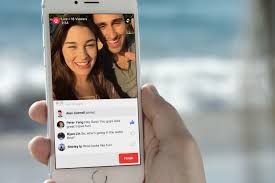
- At the bottom of the next screen you’ll see a video icon called “Live videos”. This gives you the ability to “Choose if you want to receive notifications when interesting live videos happen.”
- To the right you’ll see the option is set as a default to “on”. Click this to turn “All off” or “Suggestions off”.
Related News
 How to read web pages offline with Chrome browser for Android.
 How to move iPhone apps in an easier way?
 How to Create a Live Video on Twitter.
 How to increase battery life on the Samsung Galaxy S8
 Live Video streaming feature will soon roll out to Instagram.
 How to see the deleted messages on WhatsApp
 How to find the iPhone or iPad’s hidden backspace button in calculator?
 How to drain less mobile data by stopping automatic play of videos on Facebook.
